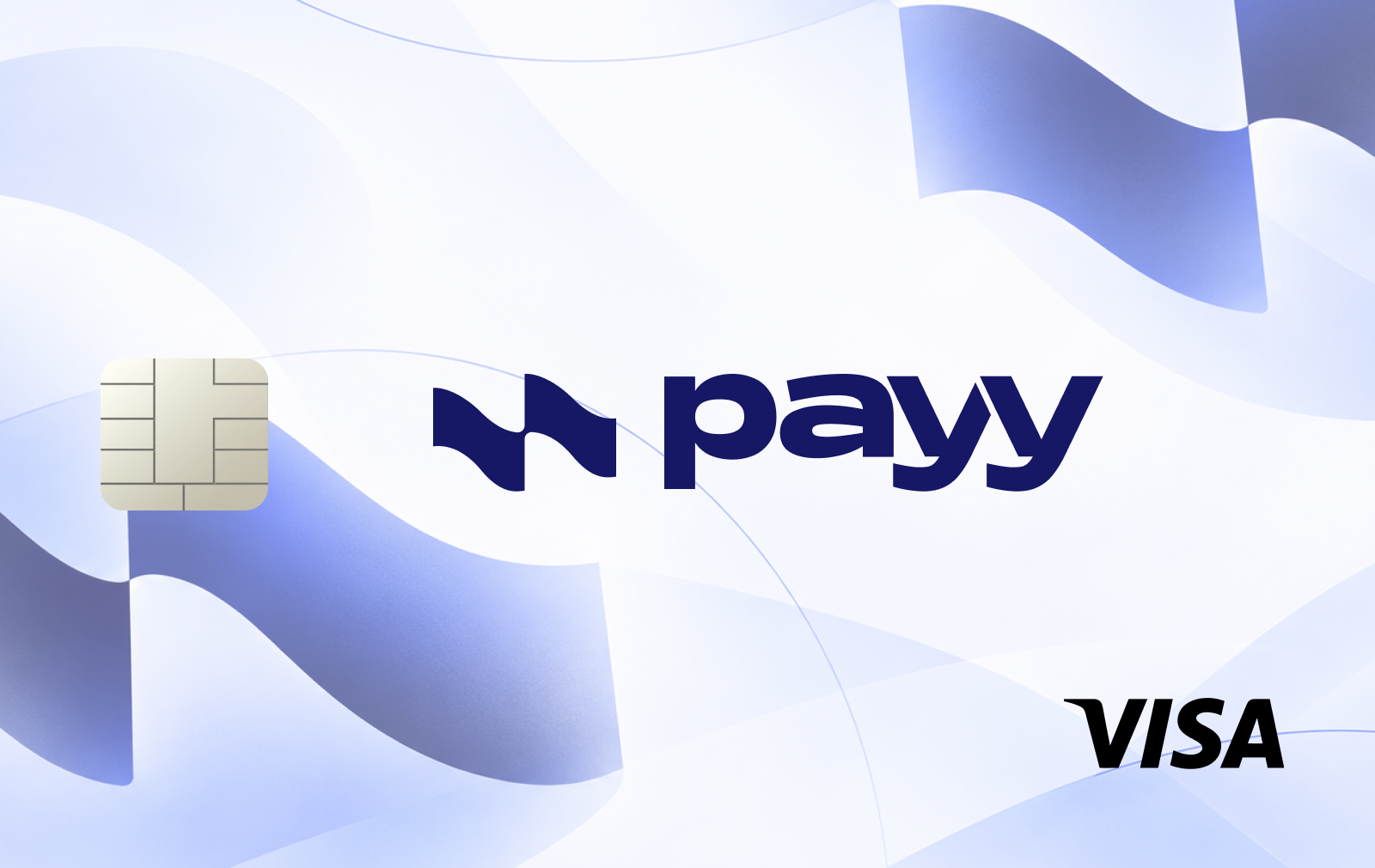
Payy Card is a crypto payment card integrated into Payy Wallet, a self-custody stablecoin wallet built around private transactions. It allows users to spend USDC at Visa merchants without exposing their wallet balances and transaction history on a public blockchain.
The card operates through Payy Network, an Ethereum-based privacy layer using zero-knowledge proofs. Users retain control of their wallet credentials, although card payments depend on Payy's infrastructure and issuing partners.
Unlike conventional prepaid cards, Payy was designed to let users spend against their wallet balance without manually transferring funds to a separate card account before each purchase.
Supported assets and funding
Payy Card primarily supports USDC. Users could fund their wallets through cryptocurrency transfers and cross-chain deposits, including transfers routed from other blockchain networks.
Fiat funding was more limited, with bank deposit options available mainly to users in the United States and Argentina.
Fees and rewards
Before the suspension, Payy offered free virtual card issuance with no monthly, annual or standard purchase fees.
Non-USD purchases generally carried a 1% foreign transaction fee under the US card terms, with potentially higher charges under international agreements.
Payy did not offer traditional spending cashback. Instead, it operated a points-based rewards system, including incentives linked to spending, referrals and promotional activities.
Card availability and security
Payy supported virtual Visa cards with Apple Pay and Google Pay integration. Limited-edition physical cards were also offered through its rewards program.
Identity verification was required for card issuance, even though the underlying self-custody wallet could be created without conventional KYC.
On September 24, 2026, Payy's Ethereum bridge was exploited, resulting in approximately $1.92 million in unauthorized USDC withdrawals. The company suspended wallet operations and card payments while investigating the incident. Card service restoration has not been confirmed.
How to get the Payy Card
Card applications and payments remain subject to the service suspension.
Download Payy Wallet from the App Store or Google Play.
Create a wallet and configure account security.
Check official announcements for the restoration of card services.
Once applications reopen, complete the required identity verification.
Activate a virtual Visa if available in your country.
Review updated funding conditions before depositing USDC.
Add the card to Apple Pay or Google Pay if supported.










No comments yet
Be the first to share a useful experience with this card.